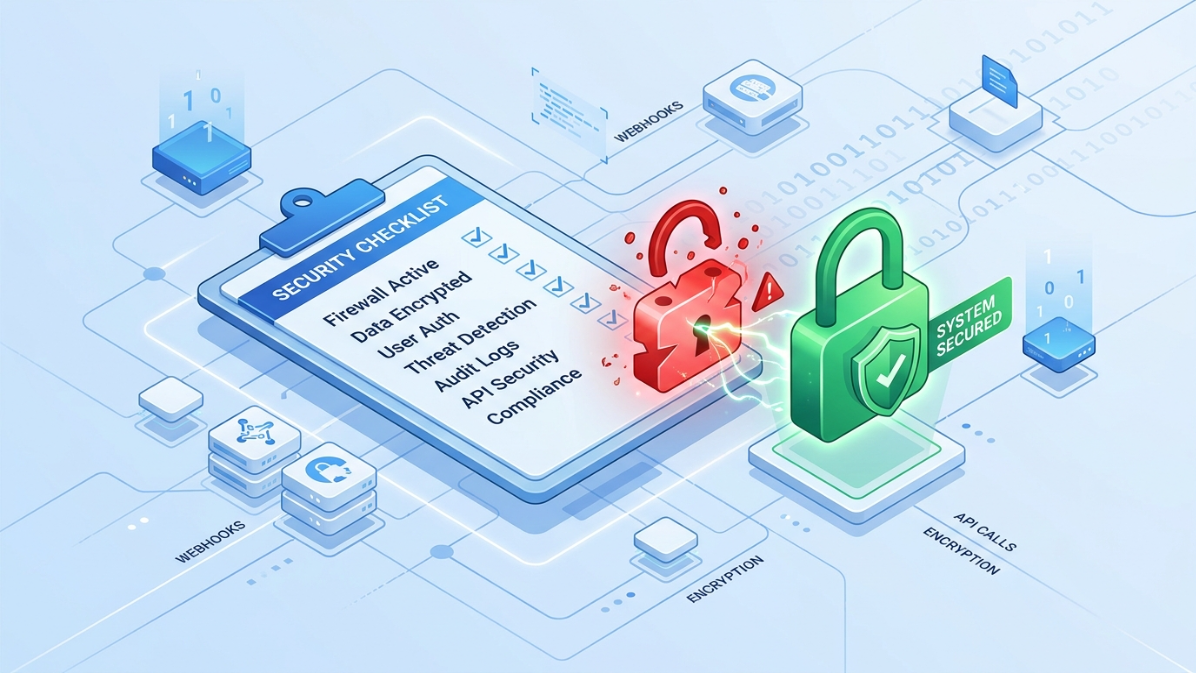
How to Secure a New Cloud Account Immediately
The first ten minutes after gaining access to a new digital account are the most vulnerable. During this brief window, default settings and generic credentials leave your infrastructure completely exposed to automated bots and opportunistic attackers. Failing to lock down your environment immediately often leads to compromised data, unauthorized API usage, and severe compliance issues.

You need a strict, repeatable protocol to configure, verify, and secure your access before moving on to actual development. By following a rapid security checklist, you can eliminate these common blind spots. Better yet, leveraging pre-verified account provisioning allows you to skip the risky initial setup phases entirely and focus on hardening your environment from minute one.
How to Secure a New Cloud Account Immediately
When learning how to secure a new cloud account immediately, your first action must address default access. Many developers assume initial credentials are safe, making this a common vulnerability.
Audit Default Login Credentials
Change the default password before integrating any APIs. Generate a strong, unique passphrase and store it in a secure vault. Never use credentials sent via plain text email. If the platform forces a default username, create a custom admin alias to obscure the primary contact point.
What Makes a Digital Account Fully Verified: Complete Guide
Restrict Initial IP Access
Lock down the account to your current IP address. This stops unauthorized actors from logging in while you configure the environment. Most cloud providers allow you to set an IP allowlist in the identity and access management dashboard. By default, these platforms accept traffic from anywhere. Tightening this to your specific office or residential IP ensures that even if a password leaks, the attacker cannot connect.
- Navigate to the network security settings
- Whitelist your active IP address
- Block all other incoming requests

New Account Security Checklist for Businesses
A reliable new account security checklist for businesses goes beyond basic passwords. Development teams need structured protocols to prevent internal leaks and external breaches right from the start.
Configure 2FA on New Developer Accounts
Multi-factor authentication is a mandatory step. Require all team members to set up an authenticator app immediately. Avoid SMS-based 2FA, as it is vulnerable to SIM swapping attacks. For maximum security, issue hardware security keys to your lead engineers.
Set Up Access Role Hierarchies
Never grant full admin rights to every user. Assign permissions based strictly on job duties to limit potential blast radius if a credential is compromised. Implementing the principle of least privilege ensures a junior developer cannot accidentally delete production databases or modify billing details.
- Create a “Read-Only” tier for basic monitoring
- Reserve “Admin” access for lead developers only
- Revoke unnecessary permissions regularly
Prevent Unauthorized Access on Payment Gateways
Figuring out how to prevent unauthorized access on payment gateway systems requires immediate action after provisioning. Leaving testing environments exposed is a fast way to lose funds or customer data.
Disable Test Keys Before Going Live
Switch off all sandbox and test API keys before accepting real transactions. Hackers actively scrape code repositories for accidentally committed test credentials. Replace them with restricted live keys immediately.
Verify Webhook Endpoints
Unsecured webhooks can be intercepted to fake successful payment events. Always validate webhook signatures using your secret key to ensure the data actually came from the provider. Failing to verify these payloads means an attacker could trick your system into granting access or delivering digital goods without receiving actual funds.
- Check for active test keys in your dashboard
- Rotate keys if they were pushed to a public repo
- Enable IP allowlisting for webhook payloads

Pre-Verified Account Security Setup and Maintenance
An effective pre-verified account security setup saves development teams hours of friction. When you start with verified access, you skip the risky initial setup phase and focus purely on hardening the environment.
The Value of Starting with Verified Access
Provisioning accounts that already have basic verification completed removes the need to share sensitive personal documents across multiple team devices. This limits your exposure to phishing attacks during onboarding.
Establishing Routine Security Audits
Security is an ongoing process, not a one-time task. Schedule monthly reviews of your active integrations and user permissions to catch vulnerabilities early. Stale API tokens and orphaned user accounts are frequent entry points for data breaches.
- Remove inactive users monthly
- Review third-party app permissions
- Update recovery email addresses
Securing a digital account does not require hours of complex configuration, but it does demand immediate action. By restricting IP access, enforcing multi-factor authentication, and locking down payment keys in the first ten minutes, you drastically reduce your attack surface. Once these baseline defenses are active, you can safely integrate the account into your broader workflow. To make this process even faster, explore how ECOVCC provides pre-verified accounts that let you bypass initial setup friction and jump straight to securing your infrastructure.