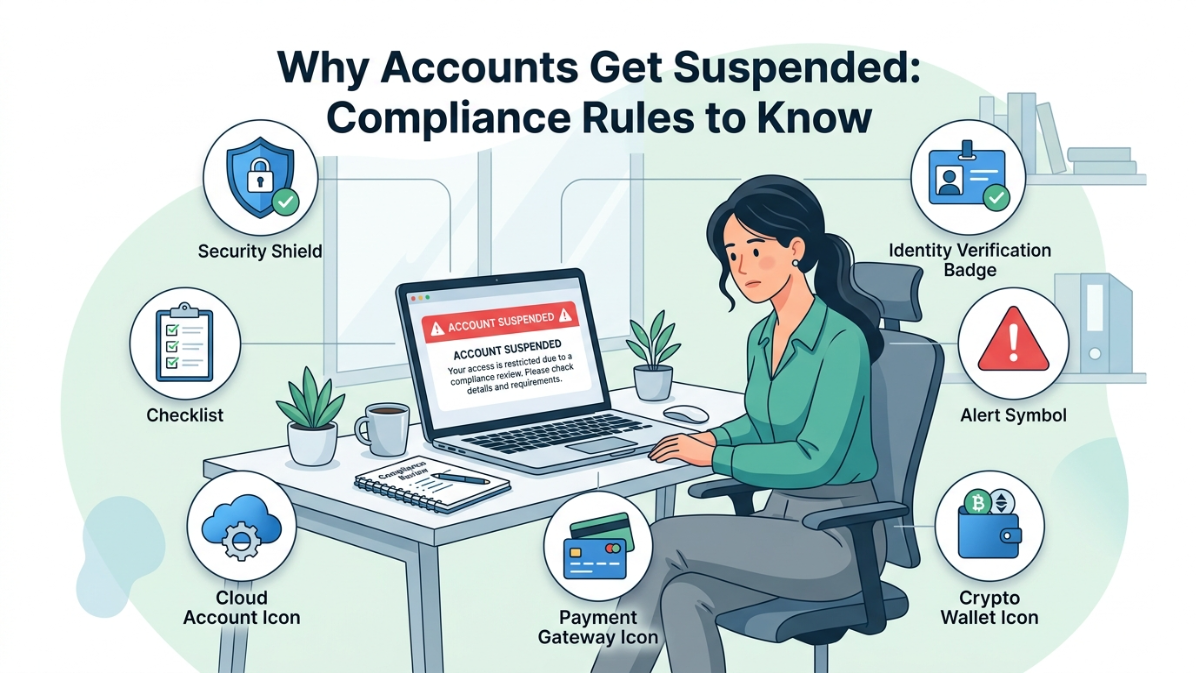
Why Account Suspension Compliance Rules Matter
Account suspension compliance rules exist because platforms need to protect users, payment systems, cloud resources, and business data from misuse. When an account is suspended, access can be limited, reviewed, or fully disabled until the issue is resolved.
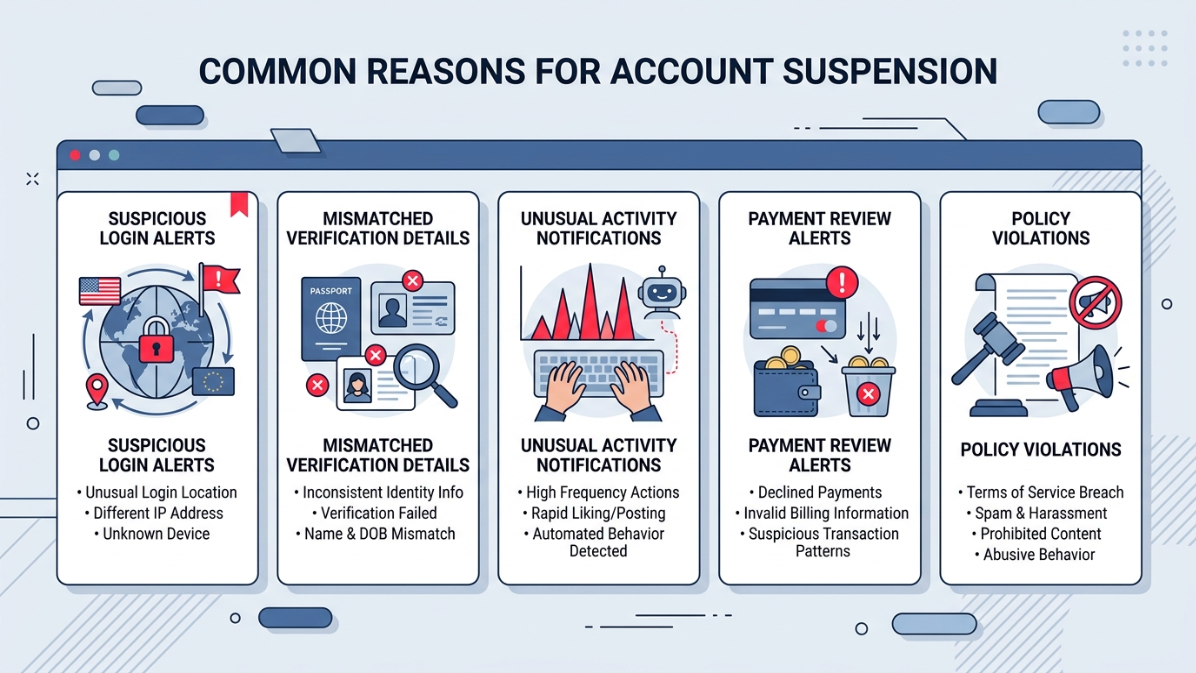
For businesses, agencies, and developers, this can interrupt setup, testing, transactions, or client delivery. Most suspensions happen when a platform detects risk signals, such as:
- inconsistent verification details
- unusual login behavior
- policy violations
- weak security setup
- unclear business usage
Compliance is not only about approval at the start. It is about using verified access responsibly after setup, with clean records, secure configuration, and platform-friendly activity.
First 10 Minutes: Secure a New Cloud Account Immediately
Common Reasons Online Accounts Get Suspended
Many users ask what triggers account suspension because the warning often appears suddenly. In most cases, platforms suspend accounts when activity looks risky, inconsistent, or outside their usage policies.
The most common causes include:
- mismatched identity, billing, or business details
- repeated failed verification attempts
- login changes across devices, IPs, or locations
- unusual payment, crypto, or cloud usage patterns
- automation that violates platform rules
- missing security controls like 2FA
For agencies, freelancers, and developers, even small setup mistakes can create trust issues. That is why every account should be configured with accurate details, secure access, and a clear purpose before active use.
What Triggers Account Suspension Across Different Platforms
What triggers account suspension can vary by platform, but most systems look for the same risk patterns. A cloud provider may flag unusual resource usage, while a payment gateway may review transaction behavior. Crypto platforms often focus on identity checks, location signals, and compliance records.
Common triggers include:
- sudden login changes from new devices or regions
- business details that do not match documents
- high-risk transactions or abnormal account activity
- API, automation, or testing activity that breaks platform rules
- shared access without proper permission control
The safest approach is to treat each platform separately. Read the rules, configure access correctly, and avoid activity that looks rushed, hidden, or inconsistent.
Account Verification Compliance Checklist
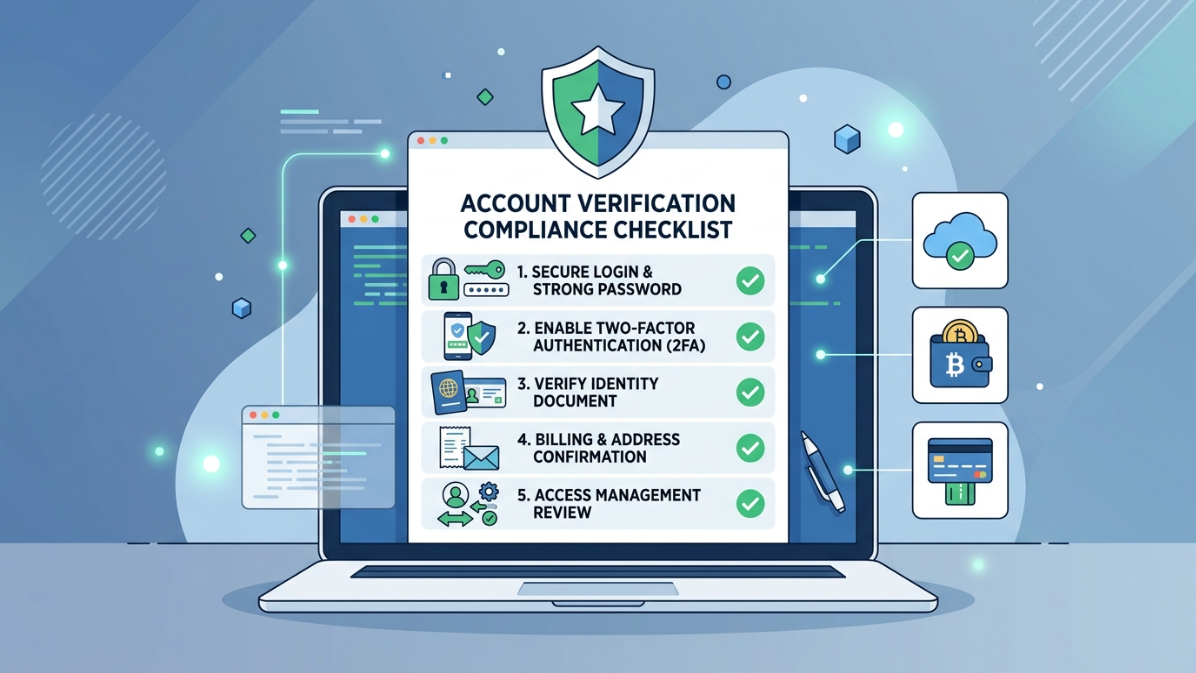
An account verification compliance checklist helps you reduce mistakes before setup, access, or client use. The goal is simple: make every detail clear, consistent, and easy to review if the platform asks for proof.
Check these items before using any verified access:
- identity, business, and billing details match
- recovery email and phone are active
- 2FA is enabled where available
- payment method is valid and approved
- login device and location are stable
- platform rules are reviewed before activity
- usage purpose is clear and documented
This checklist is useful for freelancers, agencies, developers, and business owners who need reliable access without creating avoidable risk signals.
How to Avoid Account Suspension During Setup and Daily Use
Knowing how to avoid account suspension starts with clean setup habits. Platforms trust accounts that show consistent details, secure access, and normal usage patterns from the beginning.
Before using any account, configure the basics properly:
- enable two-factor authentication
- use accurate business and billing information
- avoid sudden device, IP, or location changes
- keep recovery options updated
- review limits before running payments, cloud tasks, or tests
- avoid activity that looks automated, hidden, or abusive
Daily use matters just as much as setup. Keep permissions controlled, track who accesses the account, and avoid mixing client, personal, and testing workflows in one place.
Secure Account Setup to Prevent Suspension
Secure account setup to prevent suspension starts with reducing anything that looks unstable or risky. Platforms often review access signals, security settings, user behavior, billing details, and recovery options before deciding whether an account can remain active.
A safer setup should include:
- strong password and two-factor authentication
- verified recovery email and phone
- consistent device, browser, and access location
- clear user permissions for team members
- separated accounts for business, testing, and client work
- clean documentation for billing and verification
Do not rush the first login or configuration process. Set up the account carefully, confirm security settings, and keep access records organized in case the platform requests a review.
How ECOVCC Helps With Safer Verified Account Provisioning
Verified account provisioning helps businesses, freelancers, agencies, and developers start with access that has already passed required setup or verification steps. But access alone is not enough. The account still needs responsible use, secure configuration, and policy-aware activity.
ECOVCC focuses on safer digital access by supporting:
- pre-verified accounts for business, development, and testing use
- educational guides on setup, verification, and security
- practical information on reducing suspension risks
- clearer onboarding for users who need stable account access
The goal is not to bypass platform rules. The goal is to help users understand compliance, configure accounts correctly, and use verified access in a way that protects their work.
Final Compliance Tips Before Using Any Verified Account
Before using any verified account, review the account suspension compliance rules for that platform. Each service has its own expectations for setup, access, payments, identity checks, security, and acceptable usage.
Use this final checklist before active work:
- read the platform policy before logging in
- confirm identity, billing, and business details are consistent
- enable security settings before adding team members
- avoid sudden changes in device, browser, IP, or region
- keep records of setup, access, and recovery details
- separate business, testing, and client workflows
A verified account should never be treated as a shortcut. Treat it like a business asset: configure it properly, secure it early, and use it within the platform’s rules.